

Ways To Spring Clean Your Digital Life
Just like opening the windows on a warm spring day, cleaning up your digital life can feel refreshing and energizing
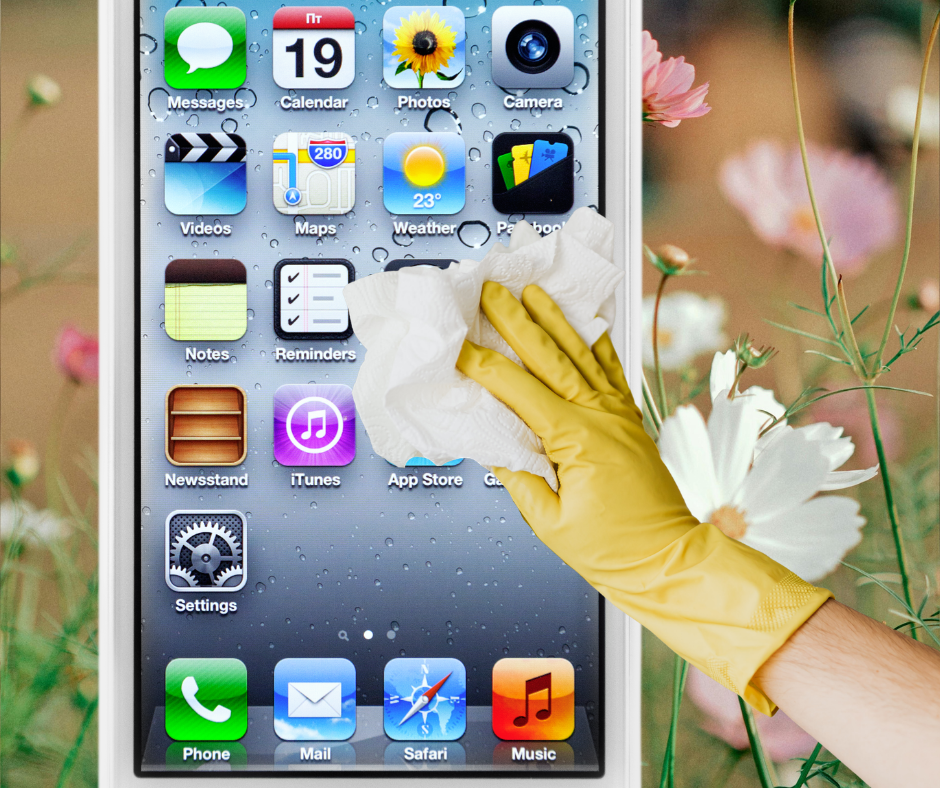
A little digital decluttering can boost productivity, reduce stress, and help you feel more in control of your time and technology.
Here are some simple, effective ways to spring clean your digital life:
1. Tidy Up Your Inbox
If your email inbox has turned into a never-ending to-do list, you’re not alone. Start by unsubscribing from newsletters and promotions you never read. Then, create folders or labels for important categories like work, receipts, and personal messages.
** A helpful trick: search for “unsubscribe” in your inbox to quickly find emails you can opt out of. You’ll be surprised how much lighter things feel once the clutter is gone.
2. Organize Your Files and Desktop
A messy desktop (digital or physical) makes it harder to focus. If your computer desktop is covered in random screenshots and downloads, aim for a clean slate. Think of it as creating a workspace you actually want to open every day.
Take some time to:
-- Delete files you no longer need
-- Rename documents so they’re easy to find
-- Group similar files into clearly labeled folders
3. Clean Out Your Photos
Your phone is probably filled with duplicate photos, blurry shots, and screenshots you forgot about. Not only will this free up storage, but it’ll also make it easier to find and enjoy your favorite memories.
Set aside some time to:
-- Delete duplicates and low-quality images
-- Organize photos into albums
-- Back up your favorites to the cloud or an external drive
4. Review Your Apps and Subscriptions
We all download apps with good intentions, and then forget about them.
Fewer apps and alerts = fewer distractions and more mental clarity.
Go through your phone and:
-- Delete apps you haven’t used in months
-- Check for subscriptions you’re still paying for
-- Turn off unnecessary notifications
5. Update Your Passwords and Security
Spring cleaning is a great time to improve your digital security. Update weak or reused passwords and consider using a password manager to keep everything organized and secure.
Also, enable two-factor authentication wherever possible. It’s a small step that makes a big difference in protecting your information.
6. Declutter Your Social Media
Social media should feel inspiring... not overwhelming. Curating your feed can make your time online more enjoyable and intentional.
Take a few minutes to:
-- Unfollow accounts that no longer interest you
-- Mute or limit content that adds stress
-- Update your profile or bio if needed
7. Back Up Important Data
Before you delete too much, make sure your important files are safe. Back up essential documents, photos, and projects to a cloud service or external hard drive.
Think of this as your digital safety net... just in case something goes wrong.
8. Refresh Your Digital Habits
Finally, use this reset as a chance to build better habits moving forward. A cleaner digital space isn’t just about organization—it’s about creating a healthier relationship with technology.
Maybe that means:
-- Setting boundaries for screen time
--Scheduling regular “digital clean-up” days
-- Turning off notifications during focused work